See yourself in any outfit with AI
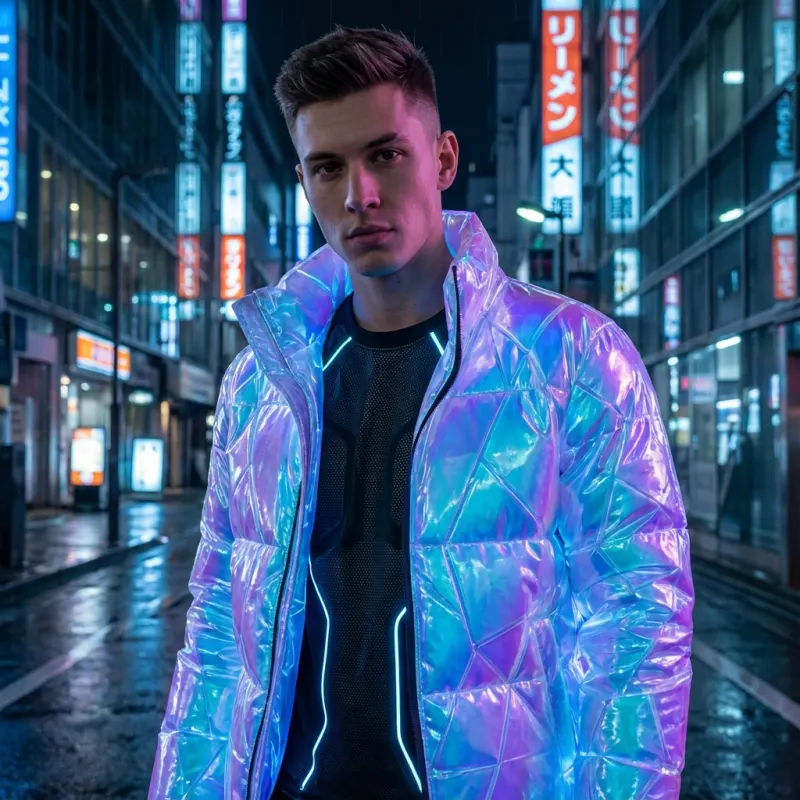
Fake Flex is an iPhone app that shows you in any outfit with AI. Pick a photo of yourself, add a photo of the clothing, choose a pose, and it draws the outfit on you in a few seconds. You get 5 try-ons a week for free, with a watermark.
Get Fake Flex on the App Store
How it works
- Pick a photo of yourself, or take one.
- Add the clothing: a product photo, a screenshot, or a picture of the item laid flat.
- Choose a pose and a photo shape.
- Wait a few seconds and the AI puts the outfit on you.
What you can try on
Tops, dresses, jackets and pants. Pro members can put up to 4 items on at once, such as a jacket over a shirt over pants. There are 10 poses, including keeping your own, and 5 photo shapes: portrait, square, wide, vertical and original.
Free and Pro
The free plan gives you 5 try-ons a week, with a watermark. Pro removes the watermark and raises the limit to 20 a week, 100 a month or 500 a year. Credit packs let you pay as you go. See pricing.
Good for
- Checking an online order before you buy it
- Comparing two outfits for an event or a trip
- Seeing a gift on yourself first
- Making outfit photos to post
Related
Questions
Is there an app to see myself in any outfit with AI?
Yes. Fake Flex is an iPhone app for that: add a photo of yourself and a photo of the clothing, and the AI draws the outfit on you in a few seconds.
Is Fake Flex free?
Yes to start. You get 5 try-ons a week for free, with a watermark. Pro removes the watermark and raises the limit to 20 a week, 100 a month or 500 a year. Credit packs let you pay as you go.
Does it work on Android?
No. Fake Flex runs on iPhone, on iOS 16.4 or later.
Where do my photos go?
To make a try-on, the photos you pick are sent to our AI provider, fal.ai, which runs OpenAI's image model. The app asks before the first upload and we do not sell your data.